

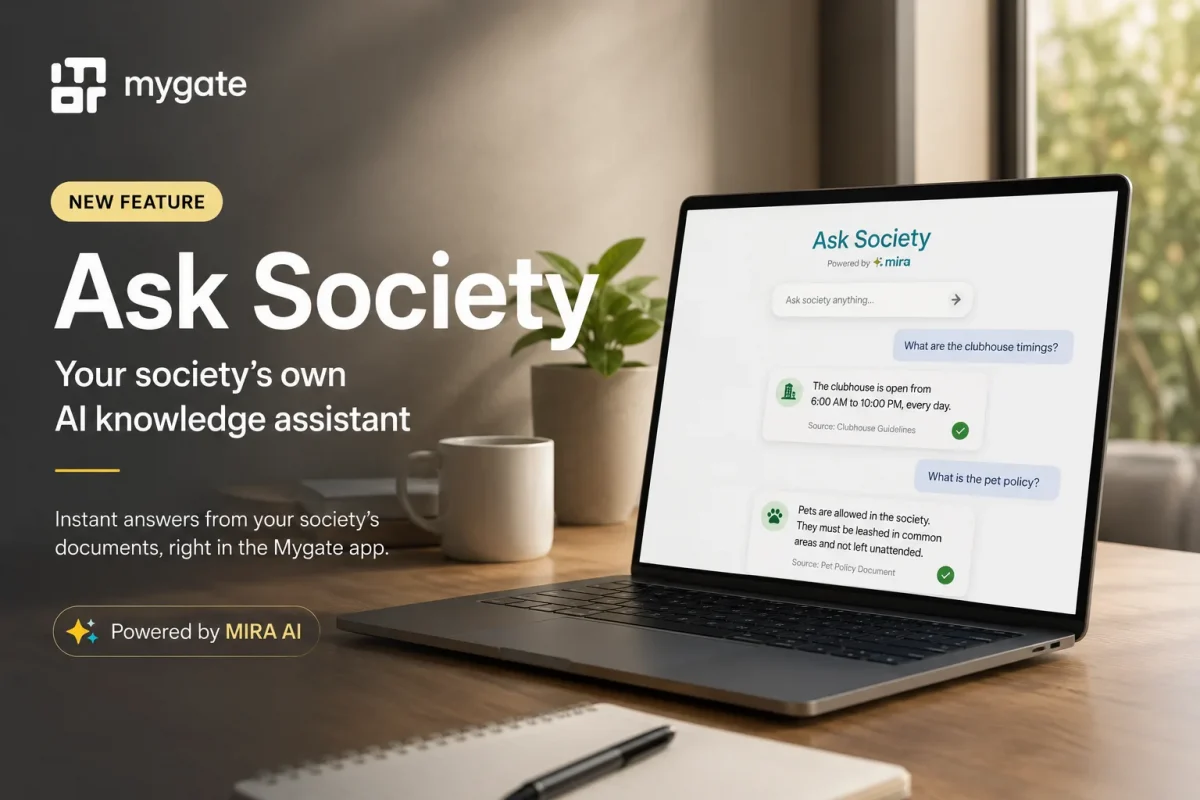
Residents often have the same questions: Where is the bye-law document? What are the parking rules? How do I find the move-in guidelines?
With Ask Society, residents can instantly find answers from your society’s uploaded documents directly within the Mygate app. Once enabled, it reduces repetitive queries and makes important information accessible 24×7.
Enable Ask Society in 5 simple steps
Step 1: Log in to your Mygate Admin Dashboard
Sign in to your Mygate Admin Dashboard using your admin credentials.
Step 2: Navigate to Documents
From the left menu, go to Communications → Documents.
This is where all your society documents are stored and managed.
Step 3: Upload or tag documents
Upload new documents, or select existing ones already available in your document library.
Tag the documents for Ask Society so they can be used to answer resident queries.
Step 4: Inform your Mygate Relationship Manager
Once you’ve tagged the required documents, notify your Mygate Relationship Manager.
They’ll verify the setup and initiate the activation process.
Step 5: Feature goes live
Your Relationship Manager will activate Ask Society, making it available to all residents within the Mygate app.
Residents can now ask questions in natural language and receive answers based on your society’s uploaded documents.
Why enable Ask Society?
- Reduce repetitive resident queries by making information self-serve.
- Provide instant access to society rules, guidelines, and important documents.
- Improve communication with a single, reliable source of information.
- Save admin time while ensuring residents always have the latest documents at their fingertips.
Tip: Keep your society documents updated regularly to ensure residents receive accurate and relevant answers through Ask Society.