Skip to the content
Blogs
Feature in Focus: Election Poll and Surveys
- Log in to dashboard.mygate.com
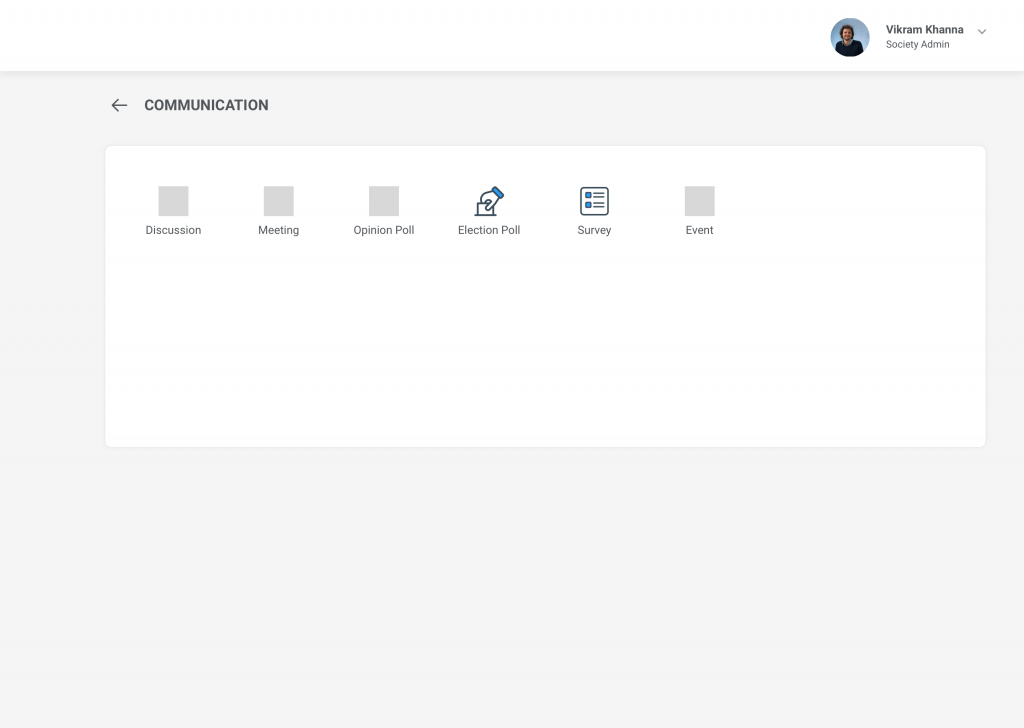
- Go to Communication and select Survey
- Click on Create
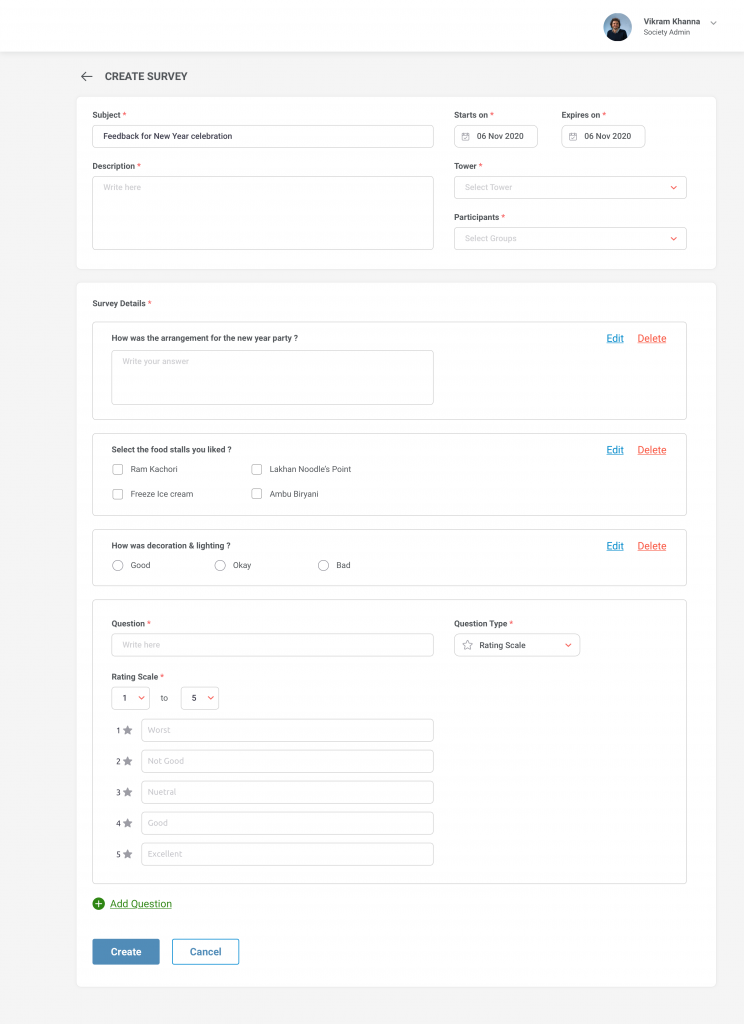
- Admin will set the Subject, Description, Questions Participants, One Response per flat, Survey start, and Expiry date.
- Admin can set up to 10 questions of different types such as Short Answer, Rating Scale, Single choice, and Multiple choice.
- Admin can start the Survey instantly or schedule the survey for selected “Start Time”
- The resident can give the response only once
- The resident will is not able to make changes once the response is submitted
- The result will not be published to residents
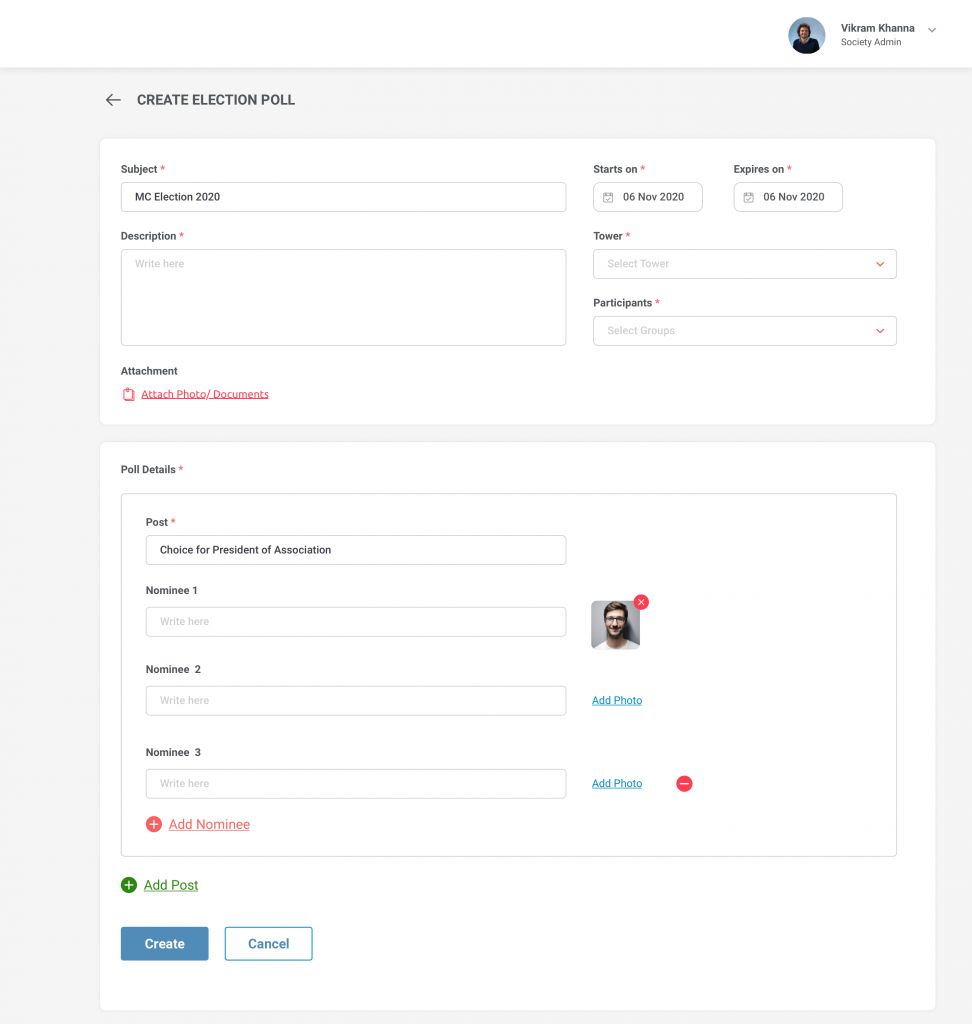
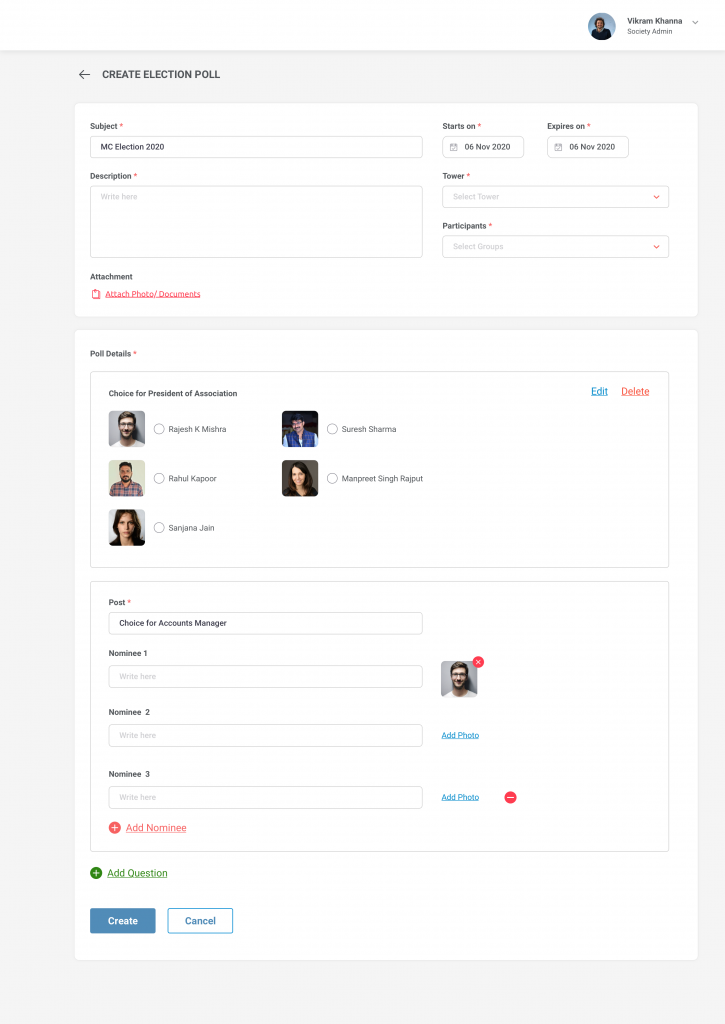
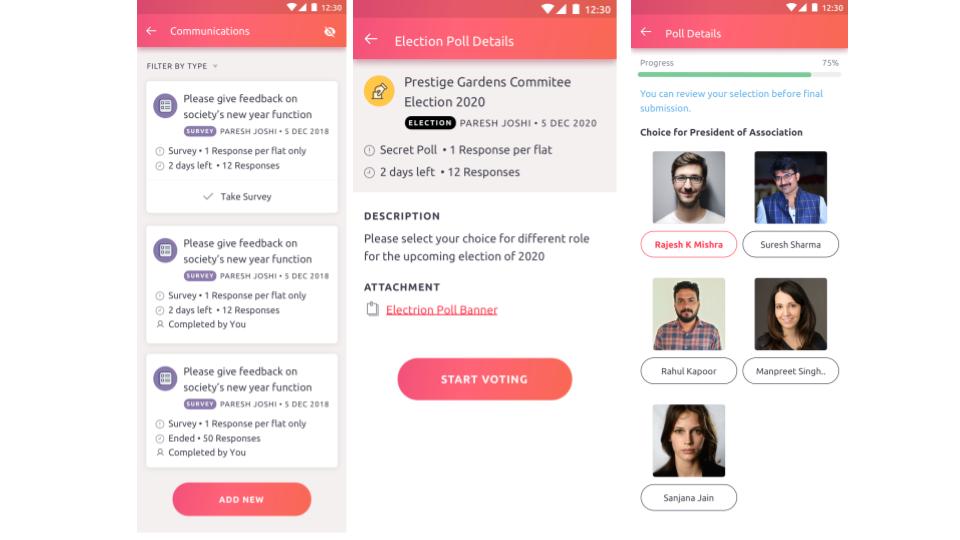
- The resident can vote for one nominee in a post
- The resident will not be able to make changes once the poll is submitted
- The result will not be published to residents
- While voting, the Progress Bar will change based on the number of questions voted